Customer Discovery
Help visitors explore departments and display areas at their own pace. Pair the tour with practical information on your website, such as opening hours, appointments and how to contact the store.


3D SCANNING / RETAIL & SHOWROOMS
We scan your store when the displays are ready and deliver a walkthrough you can share with shoppers or staff. Customers can browse before visiting, and your merchandising team can see how the displays fit together.
After the site visit, we process your scan and send you a hosted tour link. If you need a downloadable schematic floor plan, still images or information tags, ask us to include them in your quote. We confirm capture coverage, hosting duration, and any paid exports in your written quote.
Make the required areas accessible, agree on any off-limits rooms, and remove sensitive or temporary information before the appointment. For occupied properties, plan a suitable time with the people who use the space.
Compare deliverables and add-ons → · Read the scan preparation guide →
PUT YOUR SPACE TO WORK
Your store is more than a collection of products. Its layout, displays and atmosphere help customers understand the experience you offer. A retail virtual tour lets people look around before they visit and gives your team a visual reference for discussing the physical space.
Help visitors explore departments and display areas at their own pace. Pair the tour with practical information on your website, such as opening hours, appointments and how to contact the store.
Give customers a sense of scale and arrangement before an appointment. Optional information tags can add your approved descriptions and links at relevant points in the captured space.
Use the captured layout when discussing merchandising, staff orientation or a planned refresh. For several locations, agree on consistent capture requirements and naming so the tours are easy for your team to use.
BEFORE WE QUOTE
Choose a time when the store can be presented clearly and visitor movement can be managed. Finish the displays you want to show, turn on the intended lighting and remove confidential information from counters and screens. A tour records the store as captured; changing displays or inventory do not update automatically.
Yes. Optional information tags use the text and links you approve. Identify the products or departments you want to explain before capture and confirm the number of tags in your quote.
No. It complements your website by showing the physical experience. Product availability, prices and checkout remain in your existing sales channels unless a separate integration is agreed.
Compare Deliverables & Estimate Your Cost →Prepare For Your Scan →
STEP INSIDE A REAL SPACE
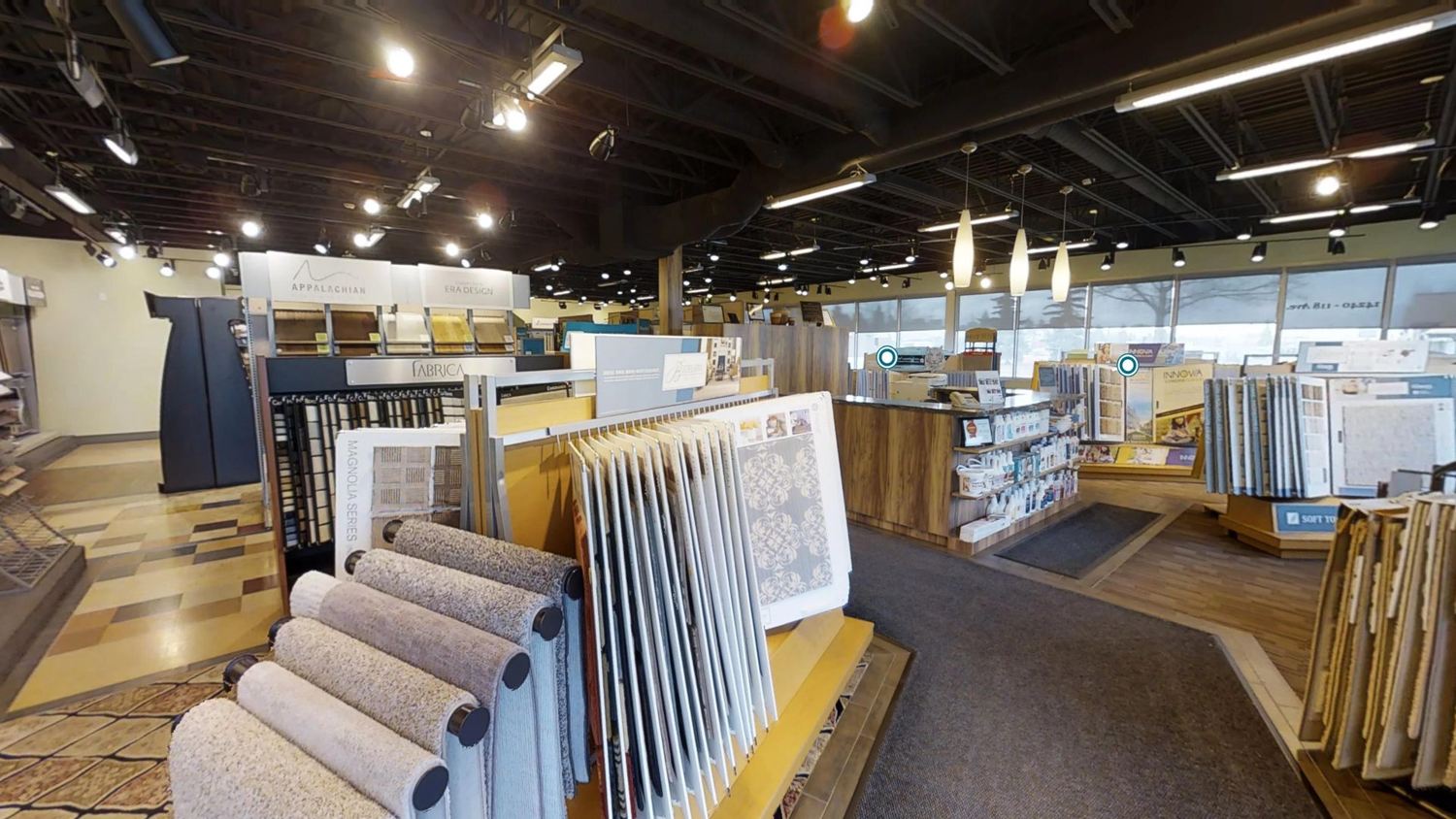 EXPLORE IN 3D
Retail & Showrooms / Showroom
Explore product displays and see how a showroom connects its collections.
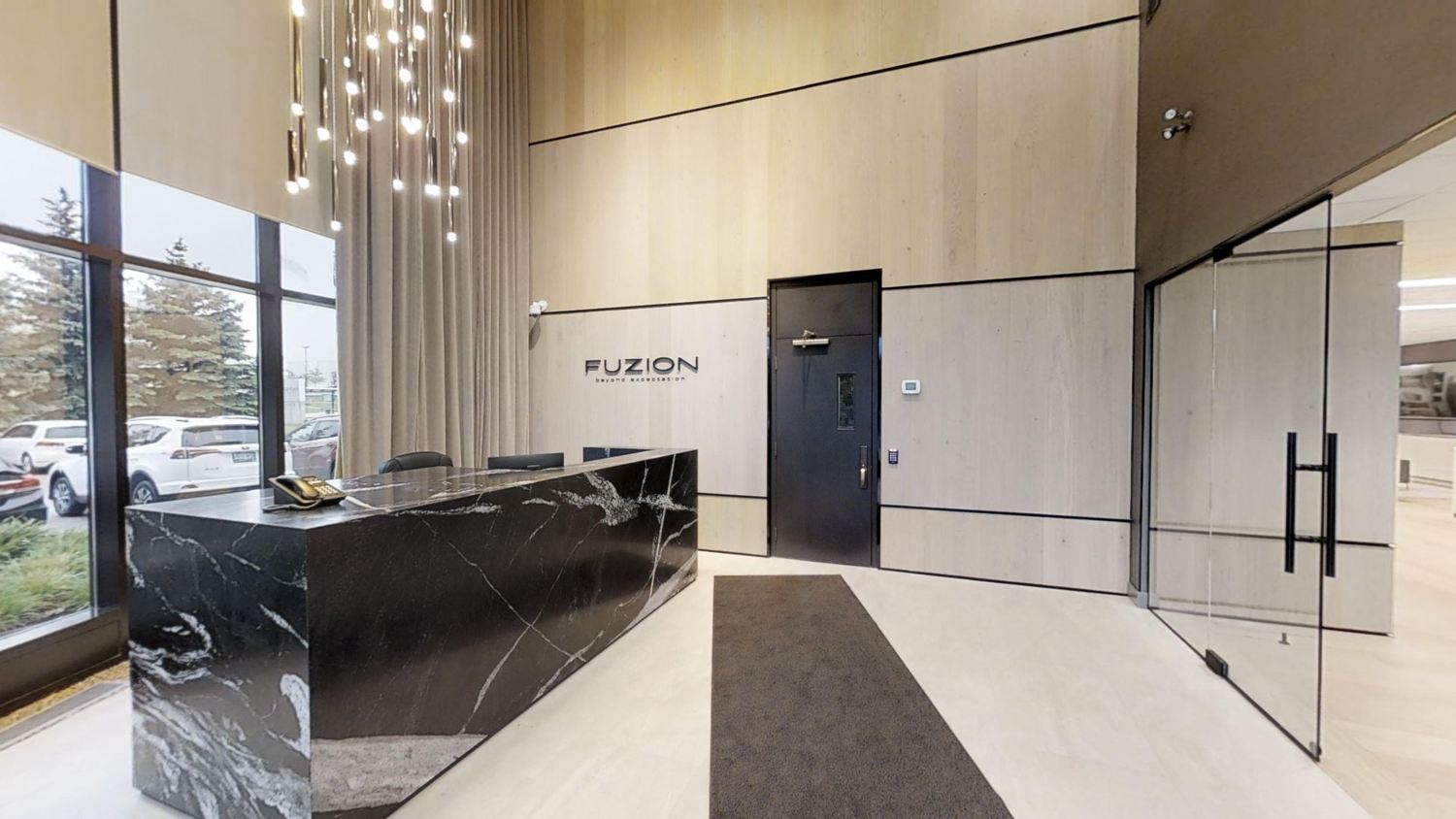 EXPLORE IN 3D
Retail & Showrooms / Showroom
Move through a product-led interior and explore the display layout.
YOUR SPACE. YOUR NEXT OPPORTUNITY.