
THE SCAN PREPARATION GUIDE
A little preparation.
A better experience.
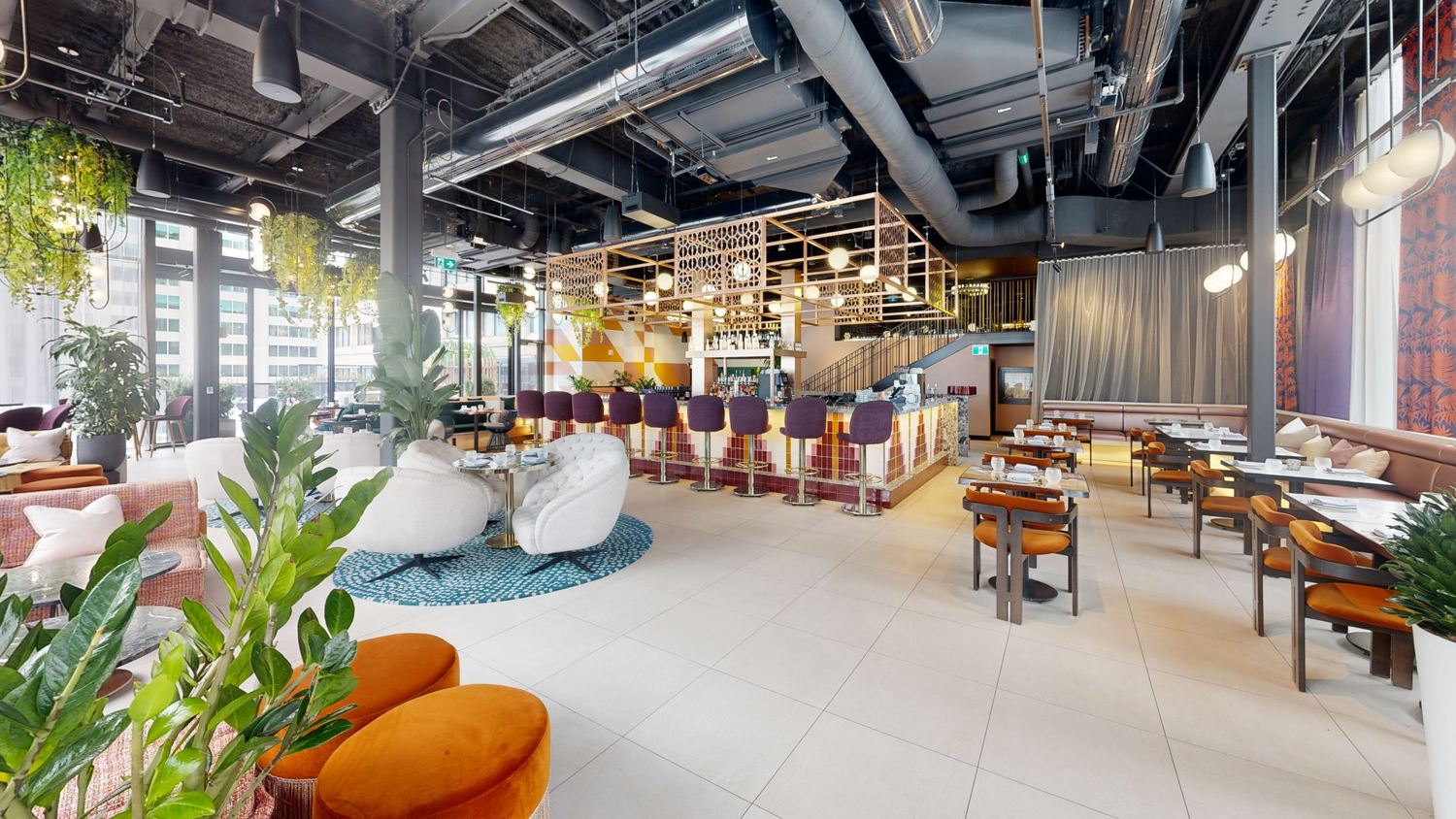
We handle the scanning. Before we arrive, choose the rooms you want included, make them accessible and set them up as you want them to appear in the tour.
Before we quote
Provide the city, approximate area, number of floors, and how the space will be used. Identify separate buildings, outdoor areas, restricted rooms, and any time-sensitive requirements. Tell us whether you need a public marketing tour or a controlled-access reference.
Before the appointment
- Arrange permission and access for every area in scope.
- Tidy, stage, and light the space as you want it to appear.
- Remove personal information, confidential documents, and temporary signage.
- Agree on off-limits areas and a plan for occupants.
- Provide approved text and links for optional information tags.
Before launch
Review the tour’s starting position, information tags, and visibility. Tell us where you plan to share the link, how long you need hosting and who may view the tour. We’ll confirm those details with you before delivery.
After delivery
Keep a record of the hosting renewal date and let us know when the space changes. Updating text is different from capturing a remodelled room; a new visit may be required.
Start with your project details ↗ON THE DAY
When Our Team Arrives
Have a site contact available to confirm access and answer questions about boundaries. Unlock the agreed rooms, clear circulation routes and keep the lighting consistent. Tell us about operating restrictions before our team starts scanning.
Where possible, limit movement through the areas being scanned. Displays, furniture and doors should remain in the agreed arrangement during capture. Tell us about mirrors, large glazed areas, outdoor sections or unusual access so these can be considered in the plan.
Your Handover Checklist
Review the tour from your audience’s point of view. Is the starting position useful? Are the agreed rooms present? Do optional information tags use the right wording and links? Confirm these details during the included presentation review.
Record the tour link, approved sharing locations, hosting end date and any separate files supplied. If you need changes later, describe whether the request concerns the presentation or a change to the physical property so it can be scoped correctly.